Bequeathing backgrounds to thematize categories
It is easy to take this further and thematize individual categories and the POSTS inside them by assigning background textures other than the default BodyTexture.png.
Example: the Mapself Buddhism cat-note
You can see this in action in this blog. For example, I have set set the backgrounds of my Buddhism cat-note as follows:
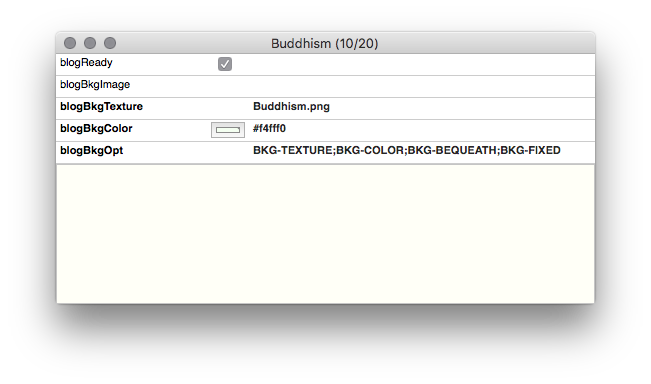
The Buddhism category webpage will display its truncated posts as a continuous sheet, and its background will be a fixed Buddha-head texture tinted muted green.
The options tell us: there will be a FIXED repeating TEXTURE, tinted some COLOR, and all this is BEQUEATHED to its children.
Here is the exported cat-note:
And here is the Key Attribute Table from one of its children:
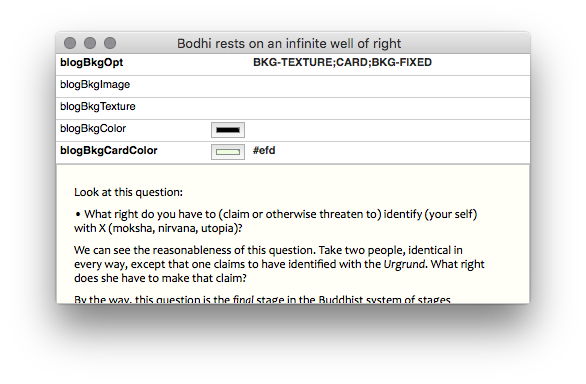
The children of the Buddhism category page will have a scrolling Buddha-head texture atop a white background, since there is no BKG-COLOR.
The options tell us: the parent’s TEXTURE will be shown but not its color (since there is no BKG-COLOR). The texture will again be FIXED. The Main Text Area will be a floating CARD, but its color will be a lime green rather that the default.
Here is an exported child:
Example: the Mapself Computing cat-note
Another example: I have set the backgrounds of my Computing cat-note as follows:
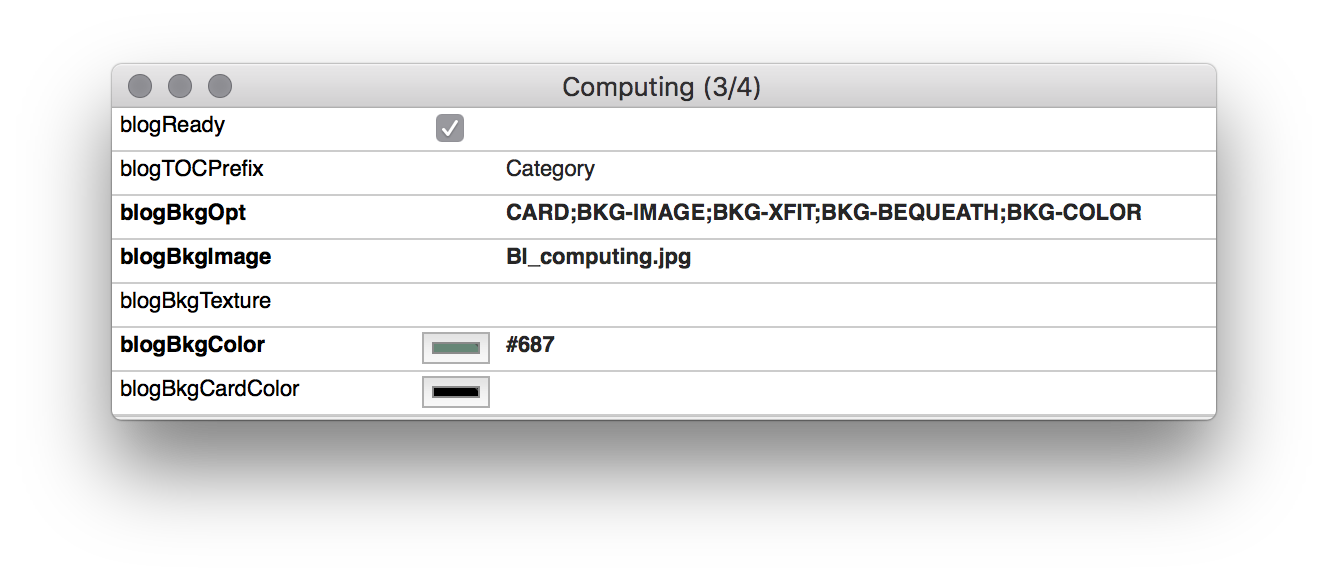
The Computing category webpage will display its truncated posts as a continuous sheet. Its background will be a fixed white circuitboard image. The image has an Alpha channel and has been placed atop a rich #687, which will provide good contrast. And it will shrink to fit horizontally and, so, show more detail.
The options above tell us: there will be a fixed IMAGE, tinted some COLOR, FITTED horizontally, and all of this shall be BEQUEATHED to its children.
Here is the exported cat-note:
And here is the Key Attribute Table from one of its children:
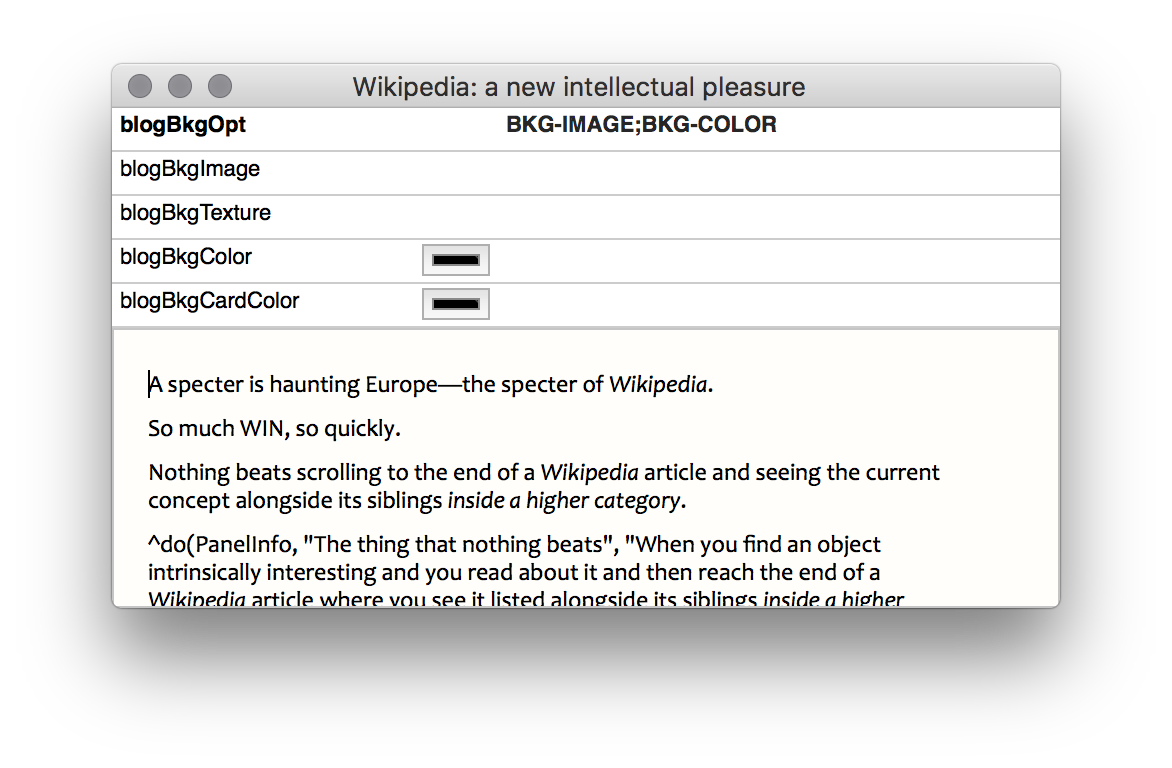
This child is bequeathed color, texture, and image. We only need to activate them. Here, we activate the color and image; but this time, with BKG-XFIT removed.
Here is the export:
And here is a different setup:
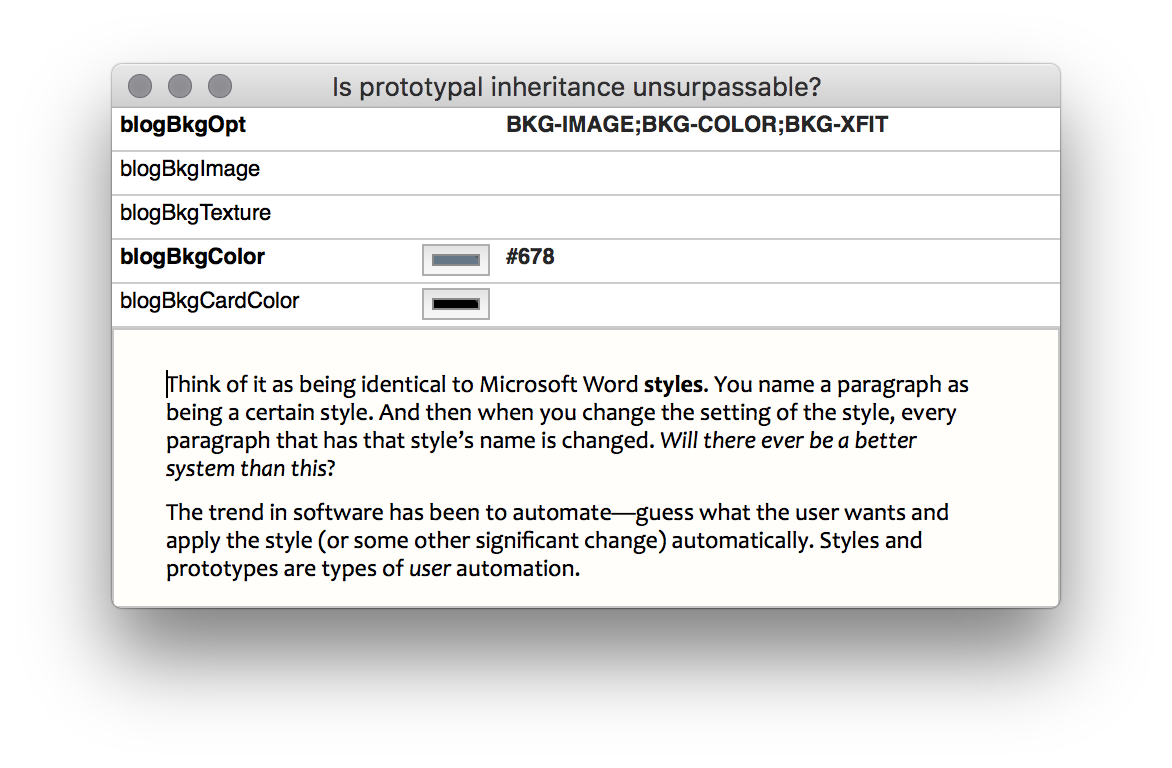
We activate image and color, but this time with x-dimension fitting, thereby restoring a bit of complexity. And there is a color override..
Here is the export:
Other examples
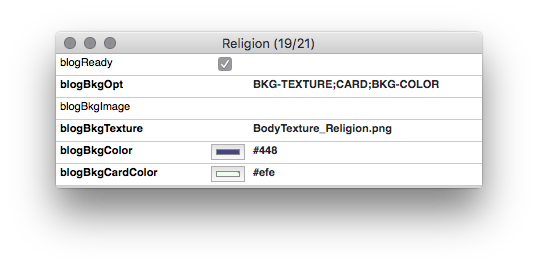
Background settings for the Religion category webpage.
Here is the exported cat-note: