@attribute icontains string
Type: Agent
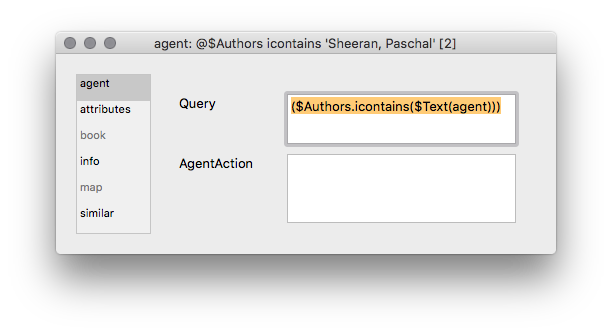
Do Get Info and just change the first word. Here, you would just double-click on Authors (leave the $ alone) and type in the new attribute.
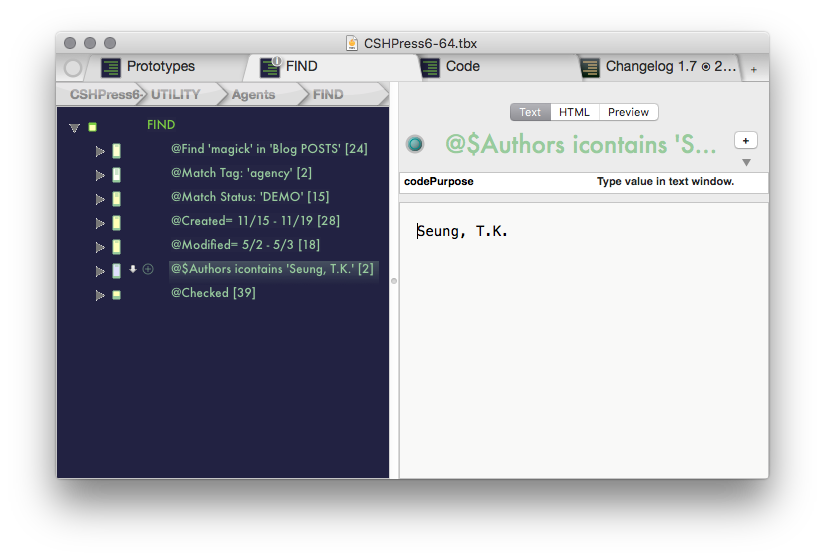
Then type the value you are looking for in the text field.
Actual name: agentEasyQuery
Another great time-saver. This lets you find out anything about anything, quickly, and show what you’ve done in the agent’s name.
- First, set the value you are looking for by typing it in the text window.
- Then, hit ⌥⌘I and set the first word in the Query textfield to the attribute you want to query. When you hit RETURN, the agent will update and you will also see what you’ve just done in its display name.
Query only
($Prototype.icontains($Text(agent)))
This agent’s custom display expression comes from c_agentQuery_DE:
$DisplayExpression
(if($AgentPriority!=-1){"@"}else{"• "}) + substr($AgentQuery, 1, ($AgentQuery.find("icontains"))-2) + " icontains " + "'" + $Text + "' [" + $ChildCount + "]"