How To: Academic essay factory
With its plethora of export options and granularity control, BoxPress makes an excellent paper and essay factory. You can export all of your content webpages as in a clean, colorless, and unadorned format in just two steps:
DIY
- Trim frame amenities. Add the NOFRAME frame option to normal_note. This will remove all webpage frame amenities—navbar, banner, sidebar, and footer—from all content webpages.
- Remove all heading colors. Toggle the Colors: OFF/ON widget in the Styles Dash to OFF. This will remove all heading colors.
- When you are ready, export the note (using File > Export Selected Note). Open this file with MS Word, and then save as the standard .docx format. MS Word will automatically translate the HTML heading levels 1–6 into MS Word levels 1–6. Then just import your favorite style sheet and you’re good to go.
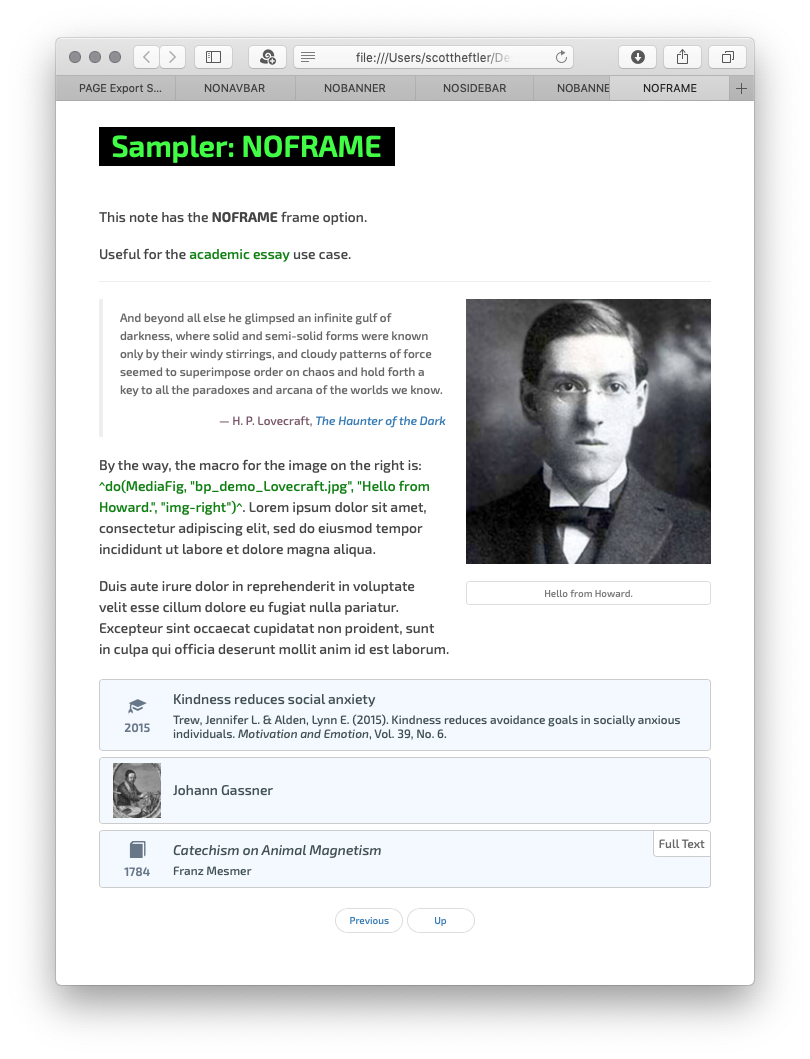
Export with $blogFrameOpt set to NOFRAME.