Styles Dashboard
Type: Dashboard
Scope: 1st Export Window Tab
Purpose: All style settings in one place
The Styles Dash
The Styles Dash path is BlogTopNote/Dashboards/Dash: Styles.
The Styles Dash should be operated in Map View.
To use the dashboard, select the widget and then hit either ⌘5 or ⌥⌘X (to open the note’s Text Pane or Text Window, respectively) and enter the relevant information.

The Styles Dashboard in its current (my personalized) state.

The Styles Dashboard again—WYSIWYG after adjusting some settings. These happen to be stored in Theme 2.

|
How to use the Styles Dash |

|
Theme Folder Widget |

|
The Theme Management Widgets |

|
Heading Colors Widget |
|
Export All Widget |
|
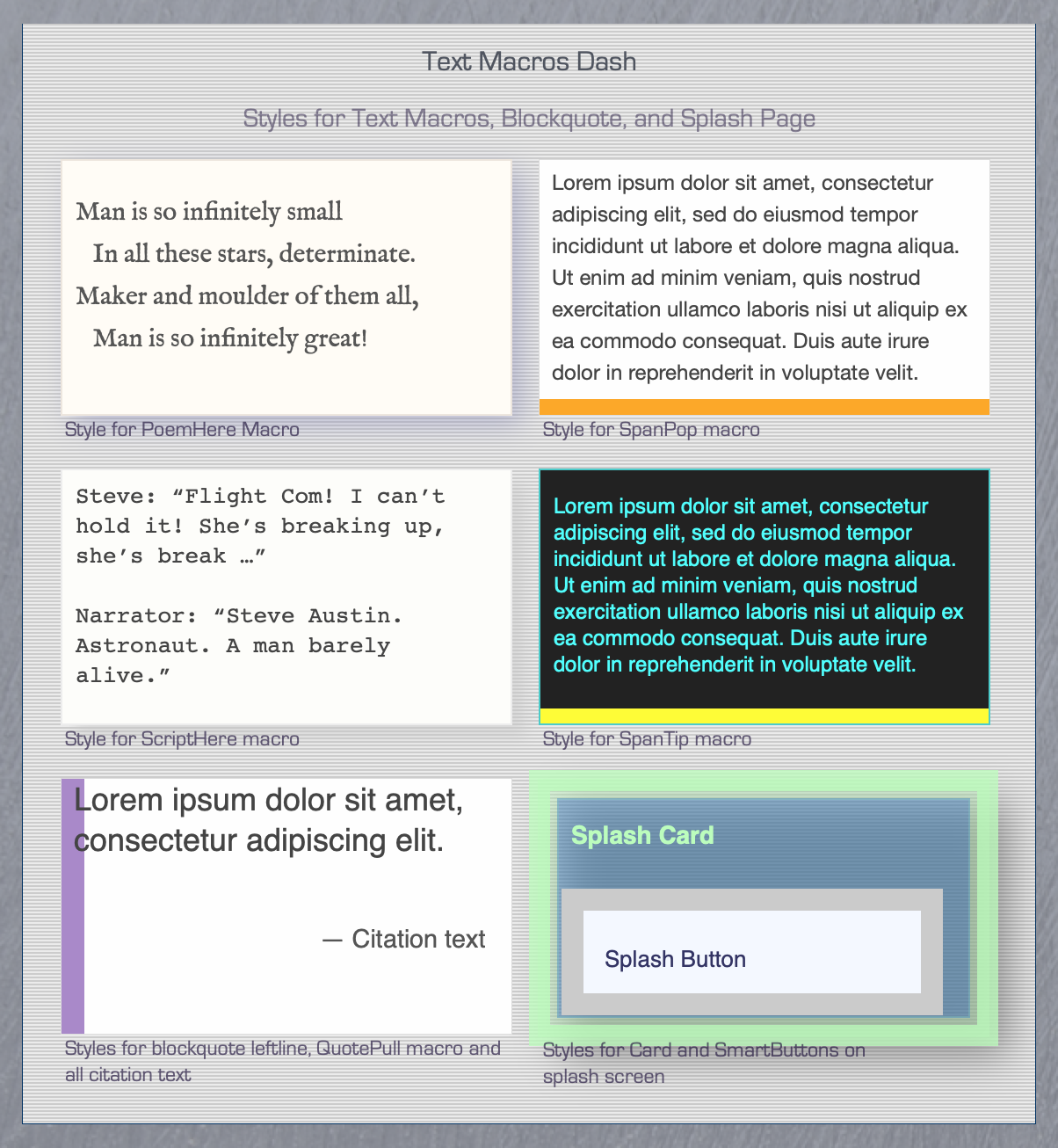
Macros Dash |

|
Navbar Widget |
|
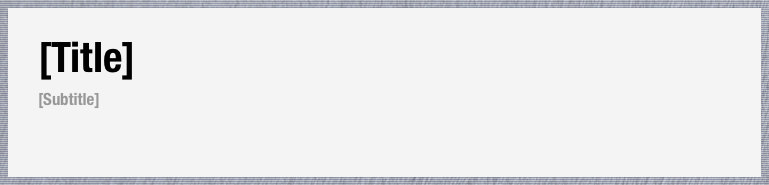
Banner Widget: website title and subtitle |

|
PostTitle Widget: font for titles and headings |

|
PostSubtitle Widget: font for subtitles |

|
Date Widget: font and format |

|
PostBody Widget: font, border, background, and shadow |

|
Body Widget: default background color |

|
About Blurb Widget |